🇺🇸 1. Submitting your music
How to submit a song, what you can submit and what happens afterwards.
Written By DP Team
Last updated About 4 hours ago
How to submit a song
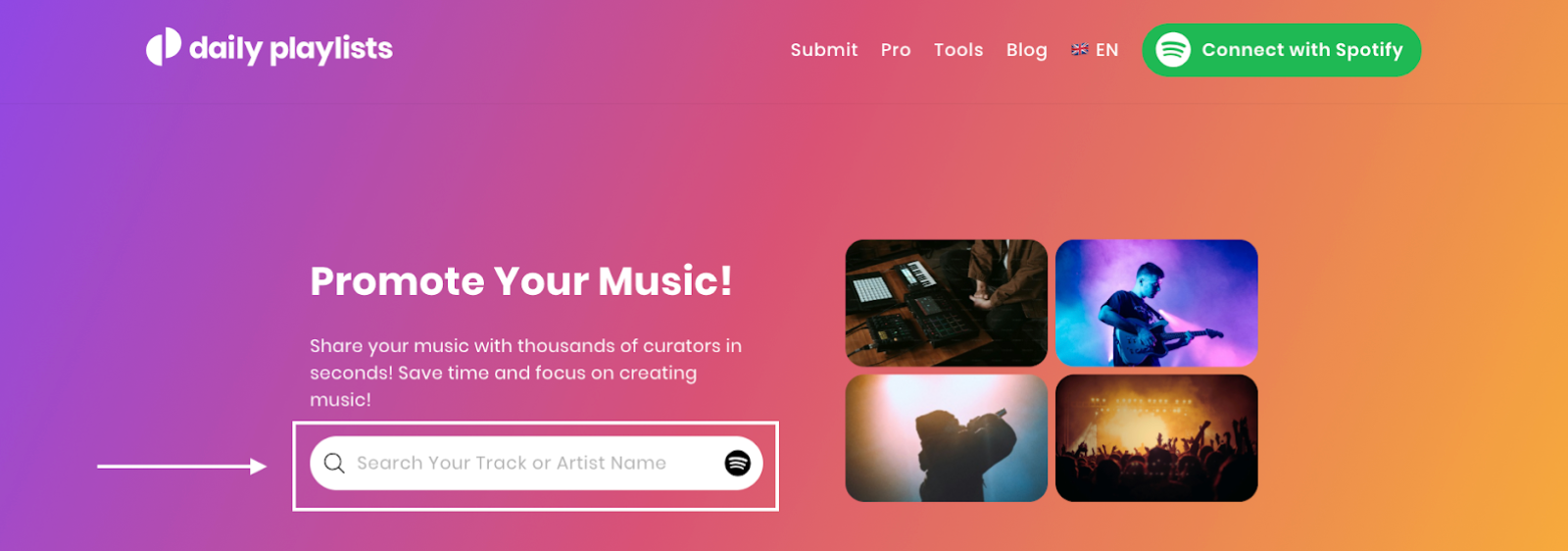
On the homepage, search for your song or paste its Spotify track link.
Choose the playlists you want to submit to and the submission type (Standard or Premium).
Sign in or create an account when asked, then confirm your submission.
What you can submit
Individual songs only. EPs and albums can't be submitted as a whole. Submit the songs one by one.
Released songs only. The earliest day to submit is your song's release day on Spotify.
Use the track link, not the album link. If the wrong song or artist appears, check the link first.
My new release doesn't show up
Very new releases can take a short time to become available. If you can find your song but nothing happens when you click it, check our Known Issues. You can upvote the issue there.
What happens after you submit
Your song goes into the curator's queue. The curator listens and decides. If your song is accepted, it is added to the playlist and you are notified by email and on your dashboard. Curators make all playlist decisions themselves. DailyPlaylists does not guarantee placements.
For response times and refunds, see Standard and Premium submissions.
Need help?
Message us via the chat or at info@dailyplaylists.com. Please include the Spotify link of your song.
Was this helpful?
Still need help? Ask the team