🇺🇸 2. Adding your playlist
Requirements for curators, how to add or remove a playlist and where to find your curator dashboard.
Written By DP Team
Last updated About 4 hours ago
Requirements
To add a playlist as a curator, it needs:
At least 100 followers
At least 30 tracks
To be owned by the Spotify account connected to your DailyPlaylists account
How to add a playlist
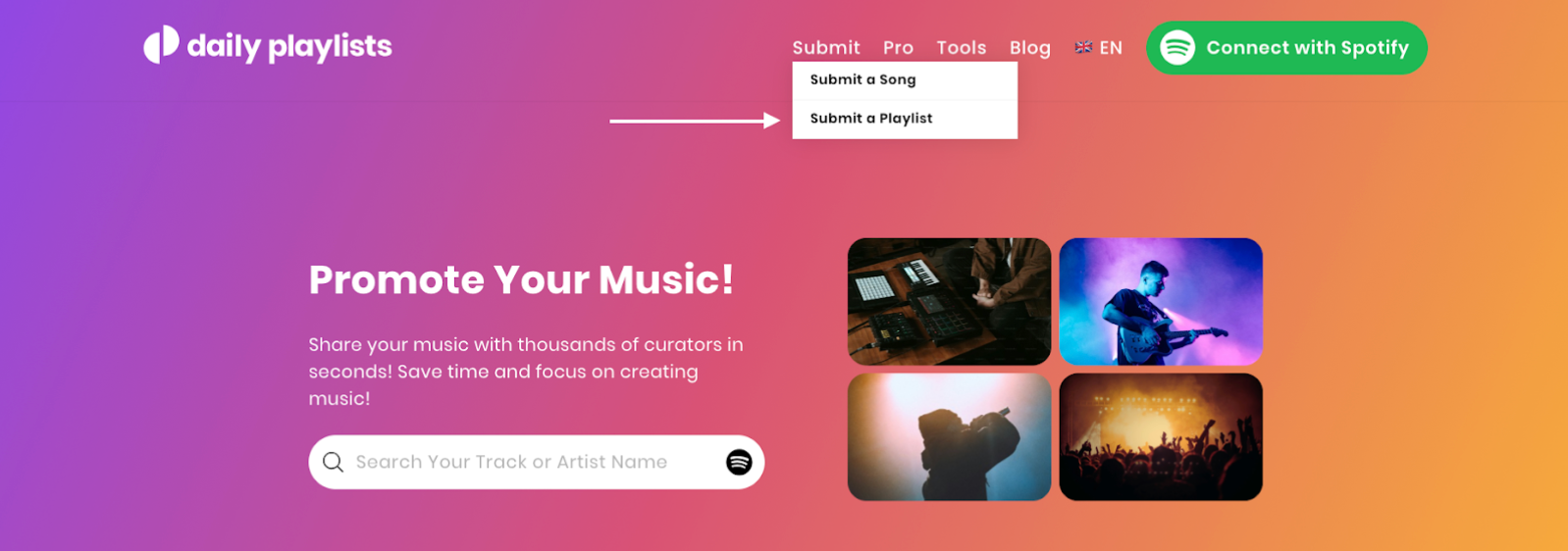
On the homepage, click Submit a Playlist.
Choose the playlist from your Spotify account and follow the steps.
Finding your curator dashboard
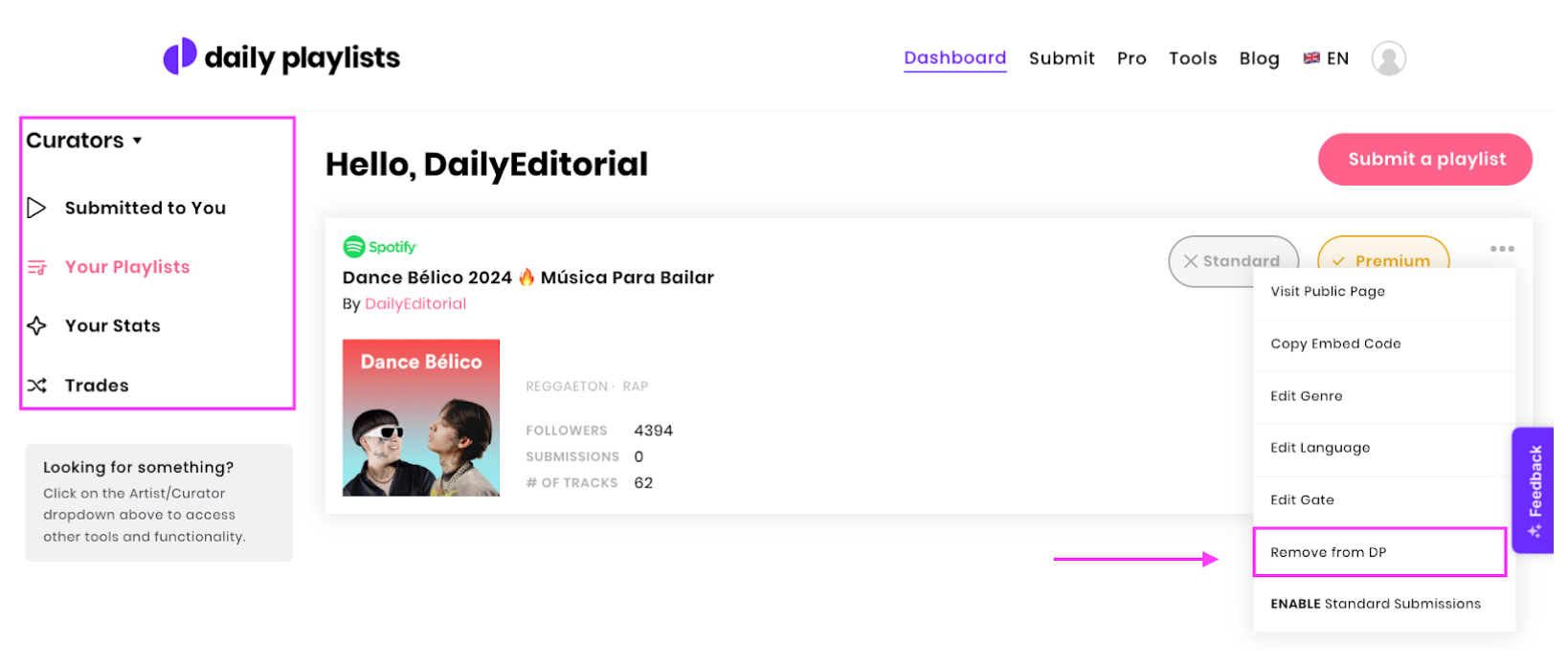
Click Dashboard, then switch from Artists to Curators using the menu at the top left. There you see your playlists and incoming submissions.
Removing a playlist
In your curator dashboard, select the playlist and remove it. You can add it again later.
Want to earn money as a curator?
Playlists with 1,000+ followers and real listening can apply to become Premium Curators. See 1. How to become a Premium Curator.
Need help?
Message us via the chat or at info@dailyplaylists.com with the link to your playlist.
Was this helpful?
Still need help? Ask the team