Tune submission not working on Safari
It doesn't accept my tune Duron Spiralis (Scratch
Mix)
https://open.spotify.com/track/2TNKKO1tx393tLaVRPdNeH
I'm using Safari on a Mac. The window asked me to paste in the tune, then when I do the window closes and it stays not eh same page. No other button I can see to push.
Log in to comment and vote
Comments5
Stepeck
Aug 6
Hey there,
I checked the Vid and confirmed that is how I thought it was supposed to work.
I thought I had explained how my experience was different on Safari, and that I could go through that process when I tried it on Chrome. Sorry if it wasn’t clear enough.
The problem I was having though was that after it not finding my Artist Spotify account in the first text field, I then pasted in the link to the track into the drop down/pop up (that appears and which contains the other text field to paste into), that drop down/pop up then just disappeared - but it didn’t move on to stage 2.
However. I think I’ve worked out the problem.
I have a couple of spotify accounts, and I must have switched to an old one (that isn’t connected to this Daily Playlists account) at some point. But that isn’t a problem until I try to add a new tune. And I haven’t done that for a few months.
Anyway - reproducing the error and the fix.
So I logged out and logged back in to Daily Playlists and tried again, then I did have a message come up about connecting a spotify account and I clicked the button a couple of times. But it didn’t seem to be moving on when trying to connect the Spotify account. When I clicked on the browser’s previous page navigation button, I went back a page and suddenly the Dashboard come up and it stopped complaining about the spotify account. Seemed odd, but I tried to add a new tune again and it behaved as it has been behaving before - it couldn’t find my Artist account, then presented the drop down/pop up, and when pasting in the new track url the drop down/pop up closed, without moving on.
So I logged out of both the Daily Playlist and Spotify accounts. I then logged in on the Spotify account first and then the Daily Playlist account. This time when I then tried to add a new tune it found my Spotify Artists account and a list of my artists catalogue from the first text field. But I tried pasting in the track url again anyway, and it found it fine, and moved on to stage 2.
So - takeaway is - check I’m logged into the right Spotify account before adding a new tune!
Thanks for looking into it for me. I hope my info here can help others having the same problem.
Cheers
Steve
DP Team
Aug 7
Hi Steve,
Thank you so much for this! This input can help us troubleshoot with similar cases.
Really appreciate it.
All the best,
DP Team
Stepeck
Aug 3
Hi,
I've already tried that. That’s why I send the bug report.
The pop up bit where you paste it in closes, but nothing else happens and I’m just stuck on that page.
I can resubmit Tuens I’ve started before, but I can add my new tunes. This happens on Safari, but not Chrome, as far as I tell. Both of these are on the Mac. Everything is up to date.
I’ve tried it using Chrome and it can find my library, which Safari doesn’t. And when I paste in the link it picks it up and moves on the stage 2.
I just don’t use Chrome much and logins and stuff are all on Safari, so I prefer to use that..
It’s as though, when running on Safari, it can’t communicate with Spotify and just crashes.
Cheers
Steve
DP Team
Aug 4
Hi Stepeck,
Thank you for reaching out. Please note that we tested the submission flow on Mac and everything is working as expected.
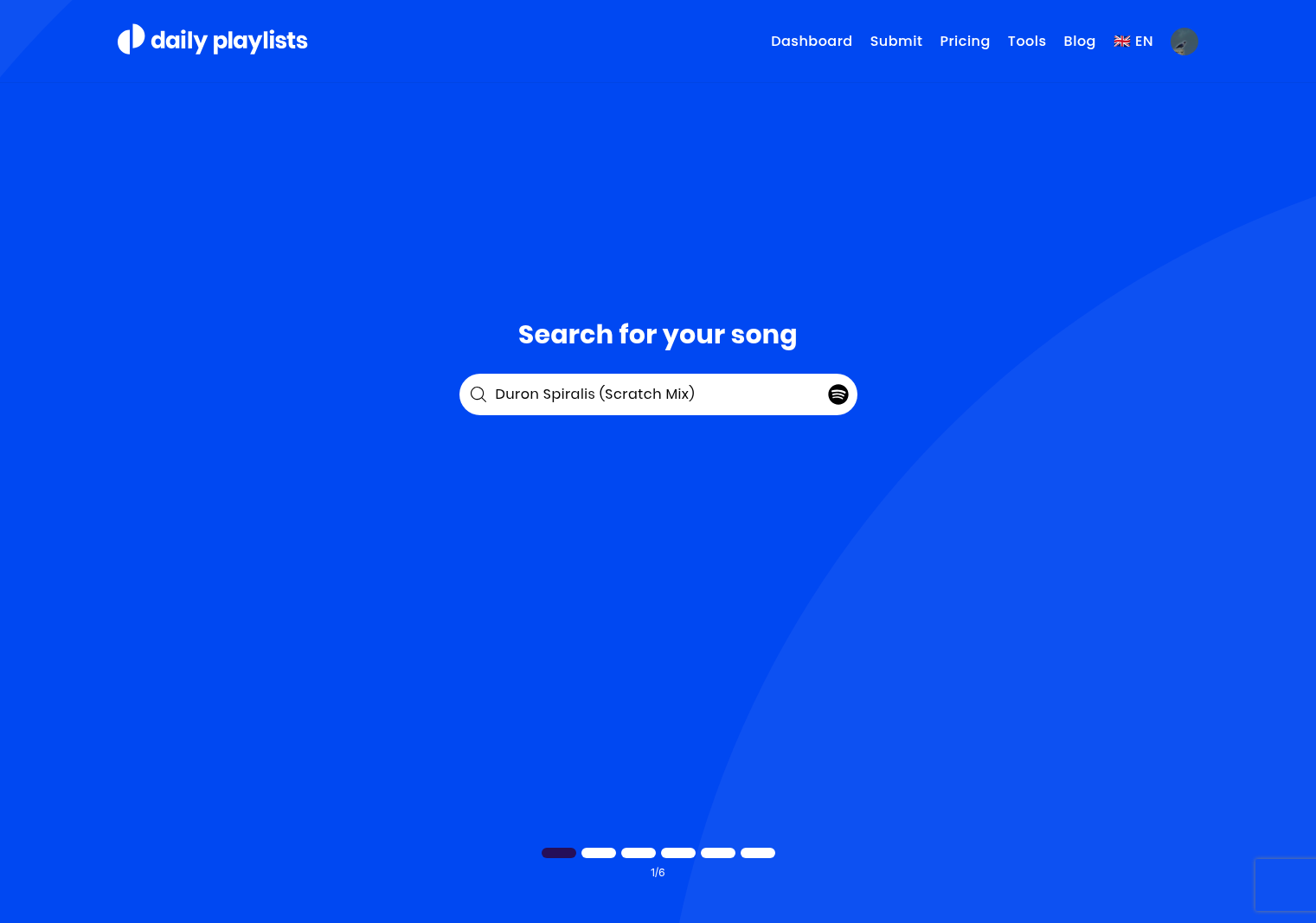
Are you pasting the link into the search bar below?
Here’s a screen recording of the test on Safari
All the best,
DP Team
DP Team
Aug 3
Hi Stevie P,
Please paste the track link directly into the search bar at the bottom that says "Paste your Spotify Song link here” Spotify’s API sometimes fails to find certain tracks.
Let me know if it works.
All the best,
DP Team